
Rank Math Pauses AI Agent Over Hidden Admin Access
Rank Math paused its Support Agent after it quietly created admin credentials without clear consent. Here's what site owners should do now.
AI Summary
Rank Math paused its Support Agent after it quietly created admin credentials without clear consent. Here's what site owners should do now.
If you run a WordPress site and use Rank Math for your SEO, you may have missed a quiet but important update this week. Rank Math, one of the most widely used SEO plugins on WordPress with a footprint of more than 4 million active installs, has temporarily pulled a feature called the Support Agent after users discovered it was creating administrator level site credentials without clearly asking for permission first.
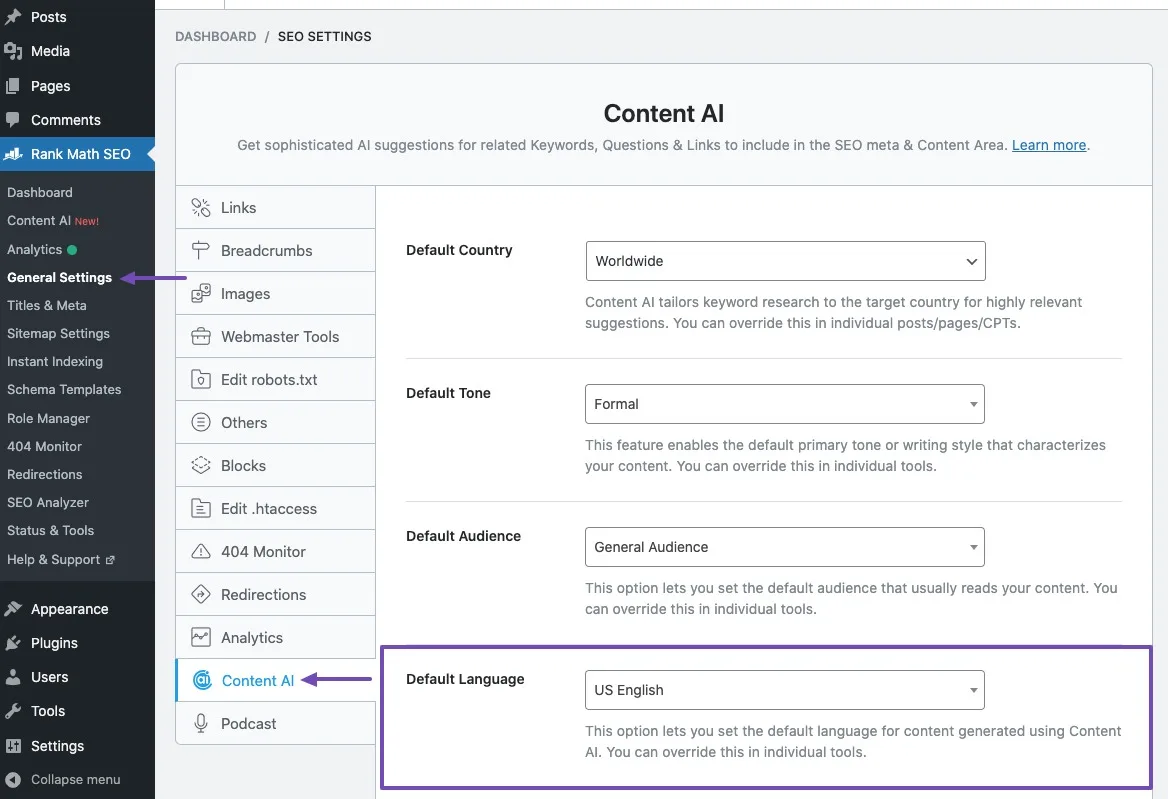 Screenshot: Rank Math settings panel in WordPress. Source: Rank Math.
For a business owner, this might sound like inside baseball for developers. It isn’t. If you or someone on your team manages a WordPress website, this story touches on something that matters to every business with a digital presence: who has access to your site, how that access was granted, and whether you actually agreed to it.
This article breaks down what happened, why it matters for small businesses and startups, what you should check on your own site right now, and what this whole episode tells us about the direction AI powered plugins are heading.
What Happened With Rank Math’s Support Agent
In late August 2026, Rank Math shipped version 1.0.277 of its free plugin with a new feature called the Support Agent. On paper, it was meant to be helpful. It let users ask support questions directly inside the WordPress dashboard and get answers from an AI assistant without leaving the plugin.
The problem was in how it worked behind the scenes.
According to Sybre Waaijer, developer of the competing SEO Framework plugin, the moment an administrator opened Rank Math’s Help and Support panel on a site connected to a free Rank Math account, the plugin quietly generated a WordPress Application Password tied to that administrator account. This credential:
- Appeared in the user profile labeled “WAP - Rank Math Support Agent”
- Did not expire on its own
- Could not be turned off from within the plugin
- Was not revoked simply by closing the support tab
- Was sent to servers run by group.one, the parent company that owns both Rank Math and WP Rocket
In other words, the credential left the site and stayed active until someone manually went in and revoked it.
The part that generated the most backlash was consent. Users said they never saw a clear prompt explaining that opening a support chat would result in an administrator level password being generated and transmitted off their server. A terms and conditions notice did exist in the interface, but according to Waaijer’s account, it did not gate the creation of the credential. The password was already being generated before a user reached the point of agreeing to anything.
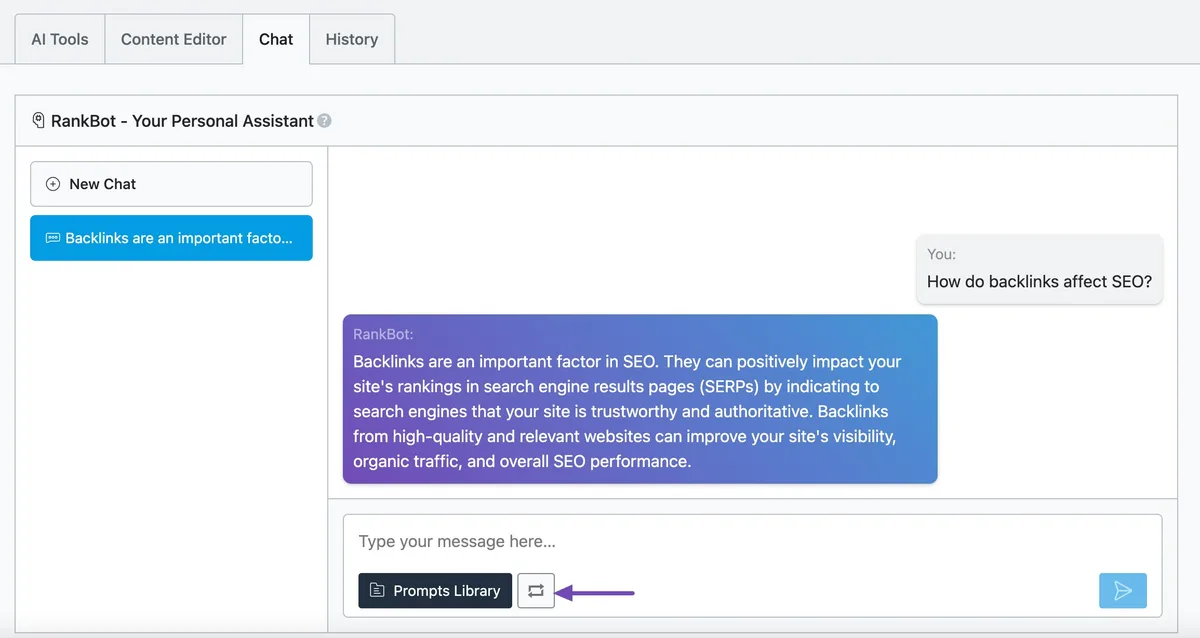 Screenshot: Rank Math’s Support Agent generating a response in the WordPress admin. Source: Rank Math.
Reaction across the WordPress community was swift and largely negative, with developers and site owners calling the behavior everything from careless to a potential backdoor.
How Rank Math Responded
To its credit, Rank Math did not try to downplay the issue. In an official statement, the company acknowledged the mistake directly:
“When an AI agent is being given permission to create an application password, you should be told clearly and directly what is happening and what you’re allowing. That feedback is fair, and we take responsibility for making this clearer.”
Rank Math released version 1.0.277.2, which removes the Support Agent entirely. Sites running this version or later no longer have the feature active, and no new credentials are being generated. The company also clarified some technical details meant to reassure users:
- The credentials were encrypted
- They were not stored or persisted on Rank Math’s servers
- They were used only while an active agent session was running
- The agent inherited the permissions of the logged in user rather than gaining elevated access
- The Support Agent was read only and could not make changes to a site
Rank Math confirmed the feature is not gone for good. It plans to bring the Support Agent back once it rebuilds the access request flow so that users are clearly and explicitly asked for permission before any credential is created. The full details are available on Rank Math’s knowledge base.
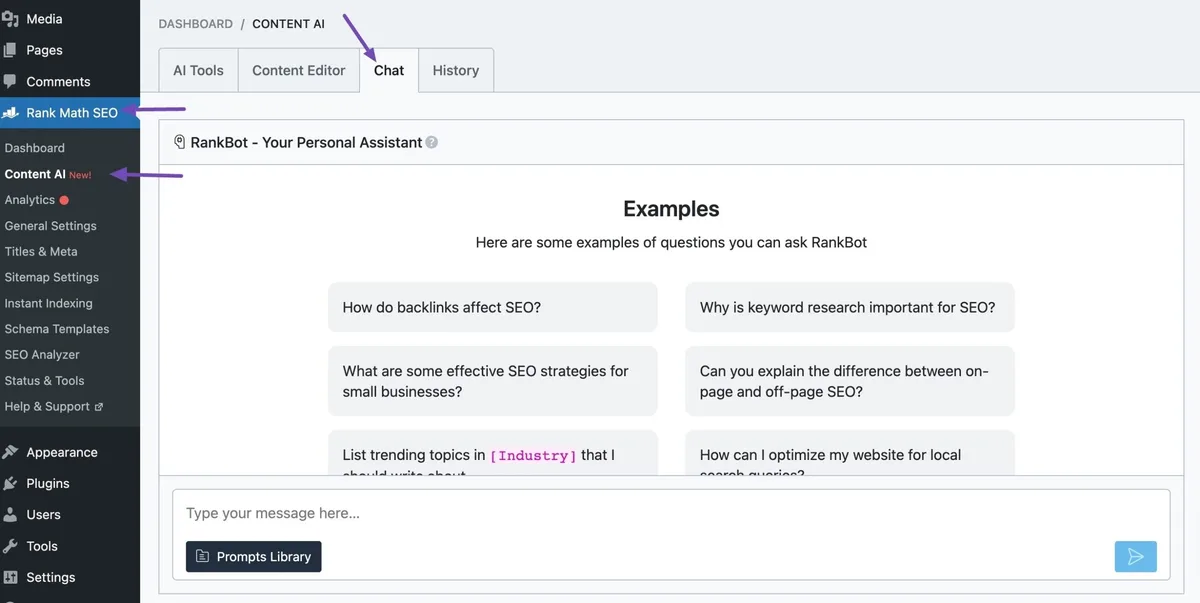 Screenshot: The Support Agent chat interface. Source: Rank Math.
Why This Matters Even If You’ve Never Heard of “Application Passwords”
If terms like Application Password or admin credentials sound technical and distant from your day to day, here is the plain English version.
A WordPress Application Password is a feature built into WordPress itself. It lets a plugin or outside tool log into your site and perform actions without using your actual admin password. Done properly, this is a good thing. It is meant to be limited, easy to revoke, and clearly requested.
The concern with the Rank Math situation was not that this feature exists. It was that a password with administrator level reach was being created automatically, without a clear ask, and sent off the site to external servers. For a small business owner, that raises a simple but important question: how many other tools on your site might be doing something similar without you fully realizing it?
This is part of a broader pattern happening across the WordPress plugin ecosystem right now. Rank Math was not the only plugin under scrutiny. WPForms faced a similar wave of questions around a temporary administrative token used during onboarding, though its situation and Rank Math’s differ in important technical ways, including how long each credential persists.
The bigger story here is that WordPress plugins are racing to add AI agents that can take actions on your behalf, and the industry standards around consent, transparency, and security disclosure have not fully caught up yet. This connects directly to broader questions about website trust that every business owner should be thinking about.
What Business Owners Should Do Right Now
You do not need to be a developer to check this on your own site. Here is a simple, practical checklist.
| Step | What to Do | Why It Matters |
|---|---|---|
| 1 | Log into WP Admin and go to Users, then your Profile | This is where all Application Passwords live |
| 2 | Scroll to the Application Passwords section | Look for any entry starting with “WAP -“ |
| 3 | Revoke any Rank Math related entries you don’t recognize | Removes lingering access even if you’re not actively using the Support Agent |
| 4 | Update Rank Math to version 1.0.277.2 or later | This removes the Support Agent from your install completely |
| 5 | Review Application Passwords for other AI enabled plugins too | This is a good moment to audit your whole site, not just one plugin |
| 6 | Document what plugins have access to your site | Makes future audits faster and easier to hand off to a developer |
A Few Practical Tips
- Make it a habit to check your Application Passwords list every few months, the same way you’d review who has the keys to your office.
- Before enabling any new AI feature inside a plugin, look for a plain language explanation of what data or access it needs. If you can’t find one, that’s a red flag.
- Keep your plugins updated, but read changelogs for security related items rather than auto updating blindly, especially for plugins that touch site settings or user data.
- If you manage a site for a client or run an agency, this is a good moment to proactively check in with your clients rather than waiting for them to ask.
This kind of quiet plugin audit is exactly what catches problems before they become security incidents. You do not need expensive tools. You need 15 minutes and a checklist.
What This Means for the Future of AI in WordPress
Rank Math was upfront that the Support Agent was only the first step in a much larger plan. The company has described a vision for what it calls Agentic SEO, where AI agents don’t just answer questions but actively make changes to a site’s settings, content, and SEO configuration on a user’s behalf.
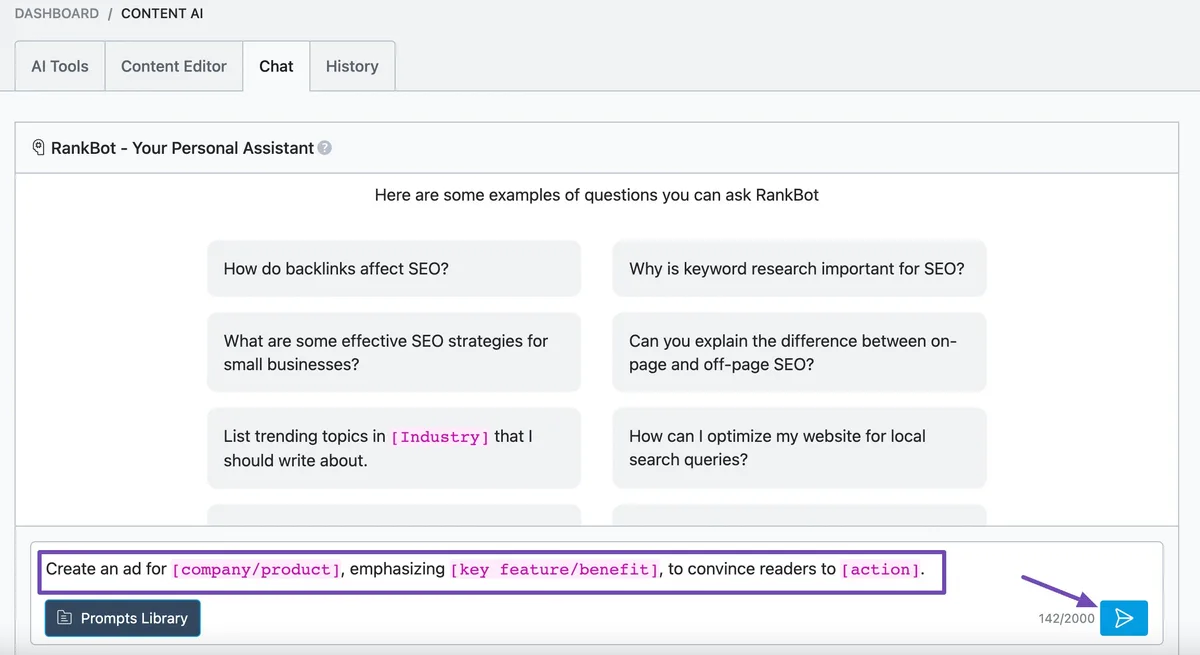 Screenshot: Rank Math’s agentic SEO prompt editing interface. Source: Rank Math.
That direction is not unique to Rank Math. Across the SEO and WordPress space, more tools are moving toward AI agents that can take real actions rather than just offer suggestions. That shift has real upsides. It can also save small business owners time. But it only works if trust is built the right way, with clear opt in permissions, transparent explanations of what access is being requested, and easy ways to revoke that access later.
This episode is a useful reminder that speed to market and clear consent don’t always move at the same pace, and when they don’t, users pay the price in trust.
Key Takeaways
- Rank Math paused its Support Agent feature after it was found to be creating administrator level WordPress Application Passwords without clearly asking users for permission first.
- The credentials were sent to servers run by group.one, Rank Math’s parent company, and did not expire automatically.
- Rank Math has acknowledged the mistake, removed the feature in version 1.0.277.2, and says it will bring it back once the permission flow is redesigned to be transparent.
- Rank Math runs on more than 4 million WordPress sites, so even a small percentage of affected sites represents a large number of businesses.
- Business owners should check WP Admin, Users, Profile, Application Passwords for any entry labeled “WAP -“ and revoke it if unrecognized.
- This incident is part of a wider trend of AI agents being built into WordPress plugins, and it highlights the importance of clear consent as these tools evolve.
- Regular security audits and working with a trusted web team can help catch issues like this before they become a bigger problem.
How F9XR Team Can Help
Security scares like this one are exactly why having a trusted team manage your website matters. If you don’t have time to track every plugin update and permission change, the F9XR Team can help. That includes website development and redesign with a security first approach, local SEO and Google Business Profile management so your business stays visible, and ongoing maintenance so issues like this get caught before they become a problem for your business.
If reading this made you wonder what’s quietly running in the background of your own site, that’s a good sign it’s time for a professional review.
Produced using AI-assisted research and drafting workflows, then reviewed and edited by the F9XR editorial team. See our Editorial Policy for how we create and verify content.
Further Reading
Related Questions

Keywords
Copyright
© 2026 F9XR Team. Licensed under the Creative Commons Attribution 4.0 International License (CC BY 4.0). You are free to share and adapt this work with attribution to the F9XR Team.
Disclaimer
This article reflects the experience and opinions of the F9XR Team and is provided for general informational purposes only. It is not professional legal, financial, or medical advice. Metrics and results mentioned are illustrative and not guaranteed.
F9XR/Articles, published by the F9XR Team, delivers high-quality marketing content produced by staff and contracted experts, unless otherwise noted. This commitment to quality ensures comprehensive coverage of industry topics from a trusted team of writers. For more information, please visit the F9XR Team website or reach out through the contact page.
Ready to Build a Stronger Digital Presence?
The F9XR Team helps business owners turn websites into conversion engines. From website development and redesign to local SEO and AI-powered visibility, we engineer systems that bring in results, not just traffic.
Comments